How Background Music Player Apps Actually Work
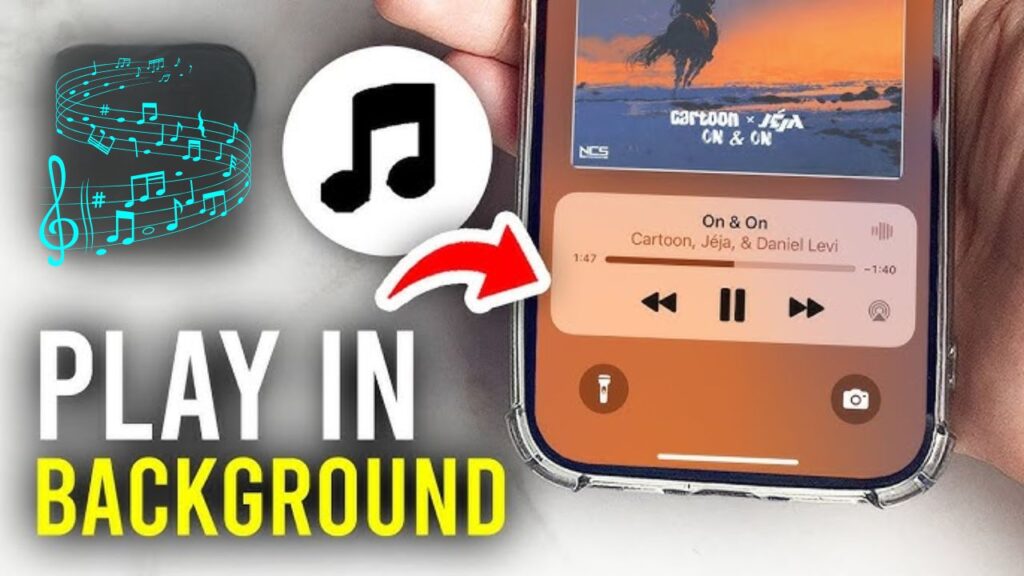
1. Background Services / Processes
- In Android, music apps use a foreground service.
This service keeps running even when you close the app, and it shows a permanent notification like “Playing music”. - The actual music engine (
MediaPlayer,ExoPlayer, etc.) runs inside this service. - The service uses a wake lock so the phone doesn’t go into deep sleep and stop audio.
2. Media Session & Controller
- Android music apps use MediaSession.
This handles:- Play / Pause / Next / Previous
- Lock-screen controls
- Notification controls
- Bluetooth headphone buttons
- The UI of the app is separate. Even if you close the UI, the MediaSession + background service still works.
3. Audio Focus
- When a music app wants to play audio, it requests audio focus from the system.
- If another app plays audio (like a call or a video):
- The music app pauses
- Or reduces volume (“ducking”)
- Or resumes later
4. How It Works on iOS
- Music apps must enable Background Audio Mode in settings.
- They use
AVAudioSessionset to playback mode. - Once audio starts, the system allows the app to stay alive even when minimized.
- Controls appear on the lock screen or Control Center.
5. Battery & Resource Management
- Playing audio requires CPU time.
So apps manage:- Wake locks only during playback
- Releasing players when paused
- Avoiding unnecessary processing
- Some phones aggressively kill background apps to save battery—this can stop music unless the app is properly optimized or whitelisted.
6. Notifications & User Controls
- Music apps show:
- A persistent notification
- Play/pause buttons
- Track info
- This tells the OS that the app is “important” and shouldn’t be killed.
7. Why Some Music Apps Stop in Background
- Battery optimization kills them
- They don’t use a foreground service
- They don’t request background audio permissions
- They use web players (like YouTube inside web view) that don’t support true background playback
- The phone manufacturer has strict background restrictions
8. How Browser-Based Players Work (like YouTube background play)
- Some apps or browsers trick the system by:
- Running in desktop mode
- Playing audio in a background tab
- The browser itself acts as the foreground service.
Simplified Summary
- Music apps stay alive using foreground services (Android) or background audio mode (iOS).
- They use MediaSession, Audio Focus, and persistent notifications.
- The OS keeps them alive because playing audio is a “privileged” background activity.
- If implemented incorrectly or restricted by the phone, playback stops.
If you want, I can also explain how to build a background music app, or how to stop apps from stopping in background.